Overview
SimLoRaIndoor helps you plan the placement of LoRaWAN gateways in buildings. Starting from architectural floor plans, it lets you:
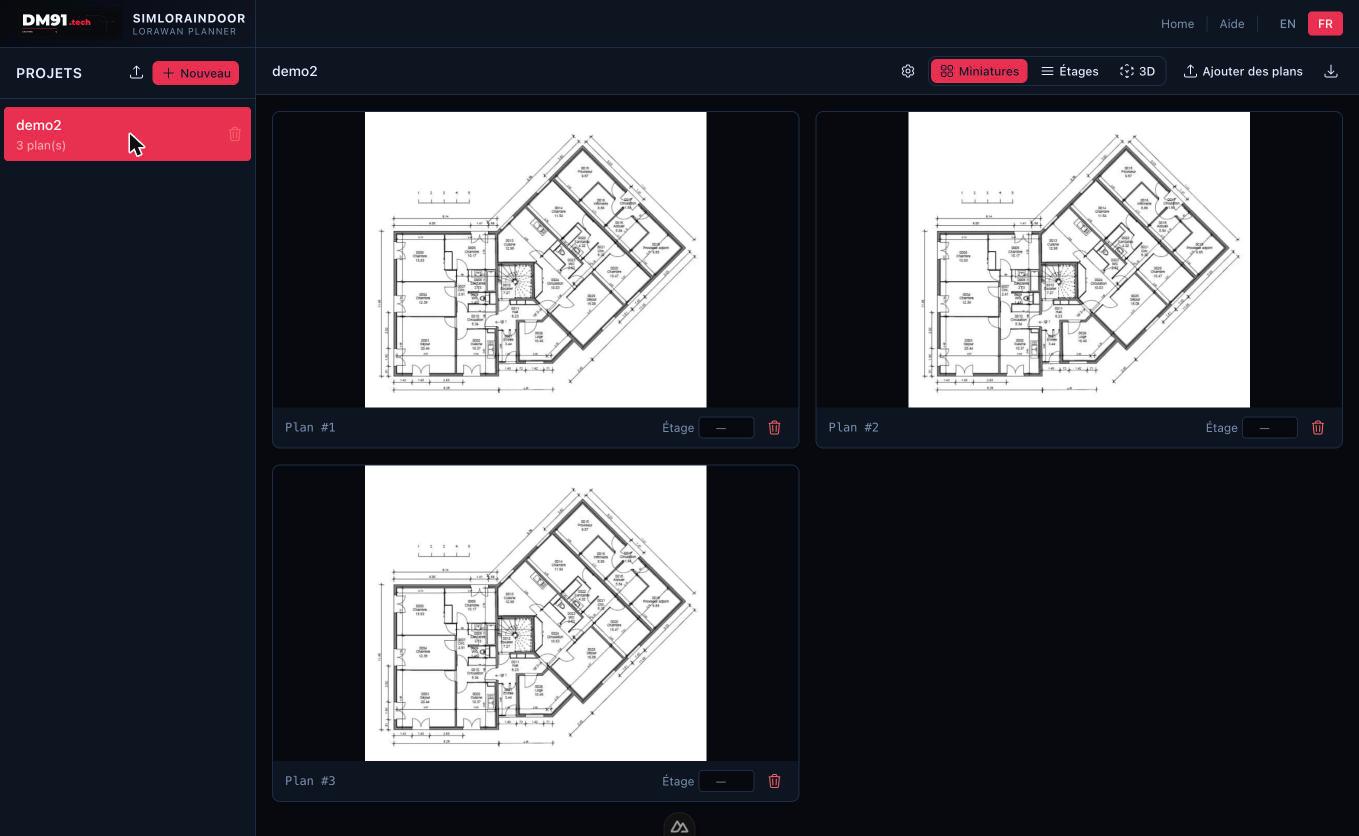
- Import plans from PDF files or images.
- Assign each plan to a building floor and configure floor-slab attenuation.
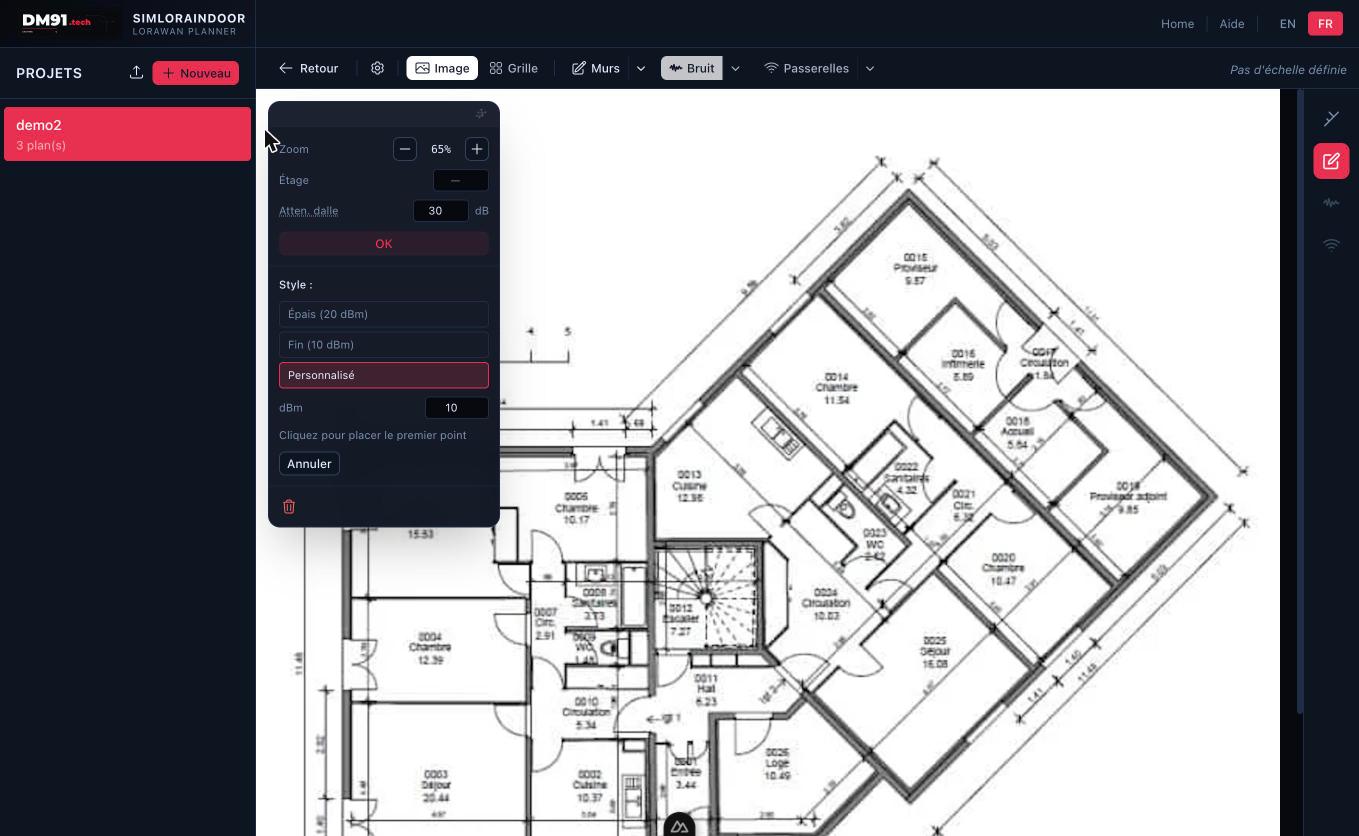
- Calibrate a real-world scale on any plan.
- Draw or auto-detect walls and assign RF attenuation values.
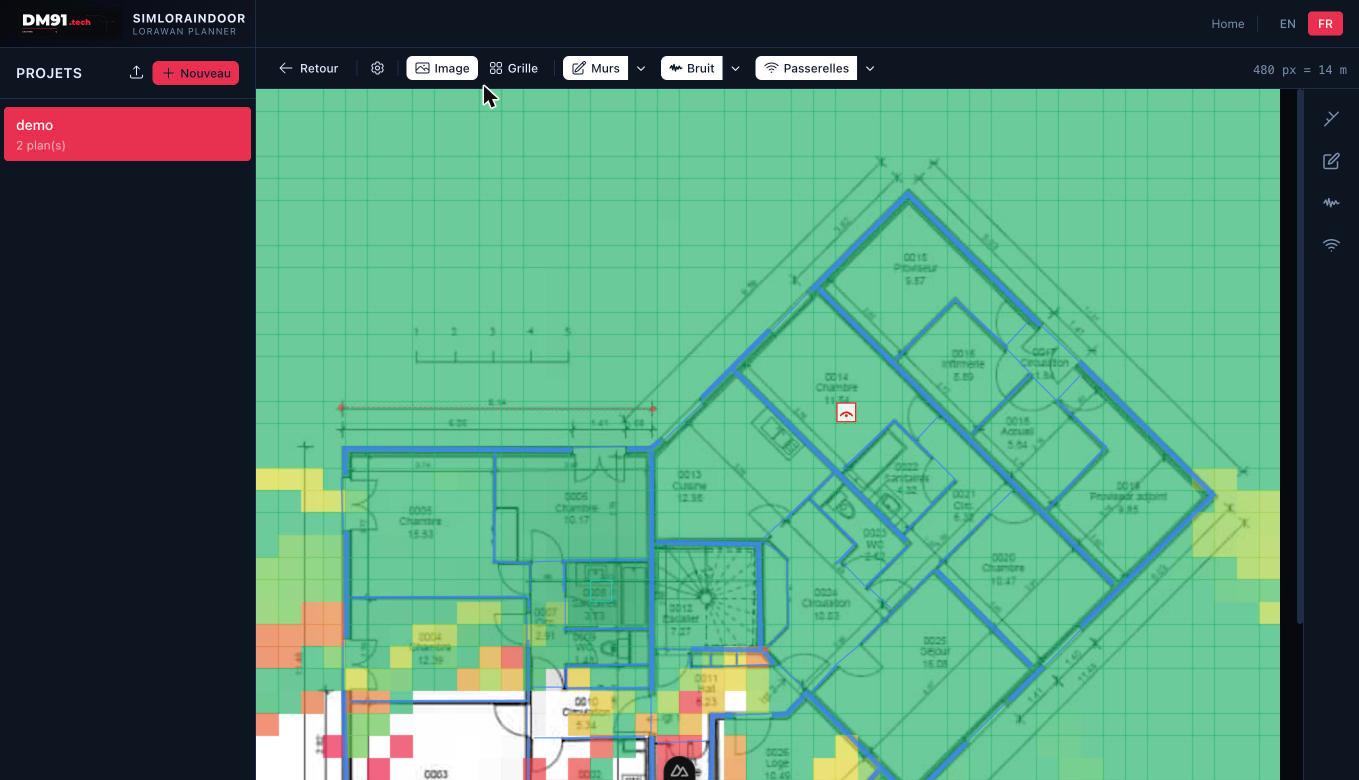
- Place LoRaWAN gateways and visualise radio coverage per floor.
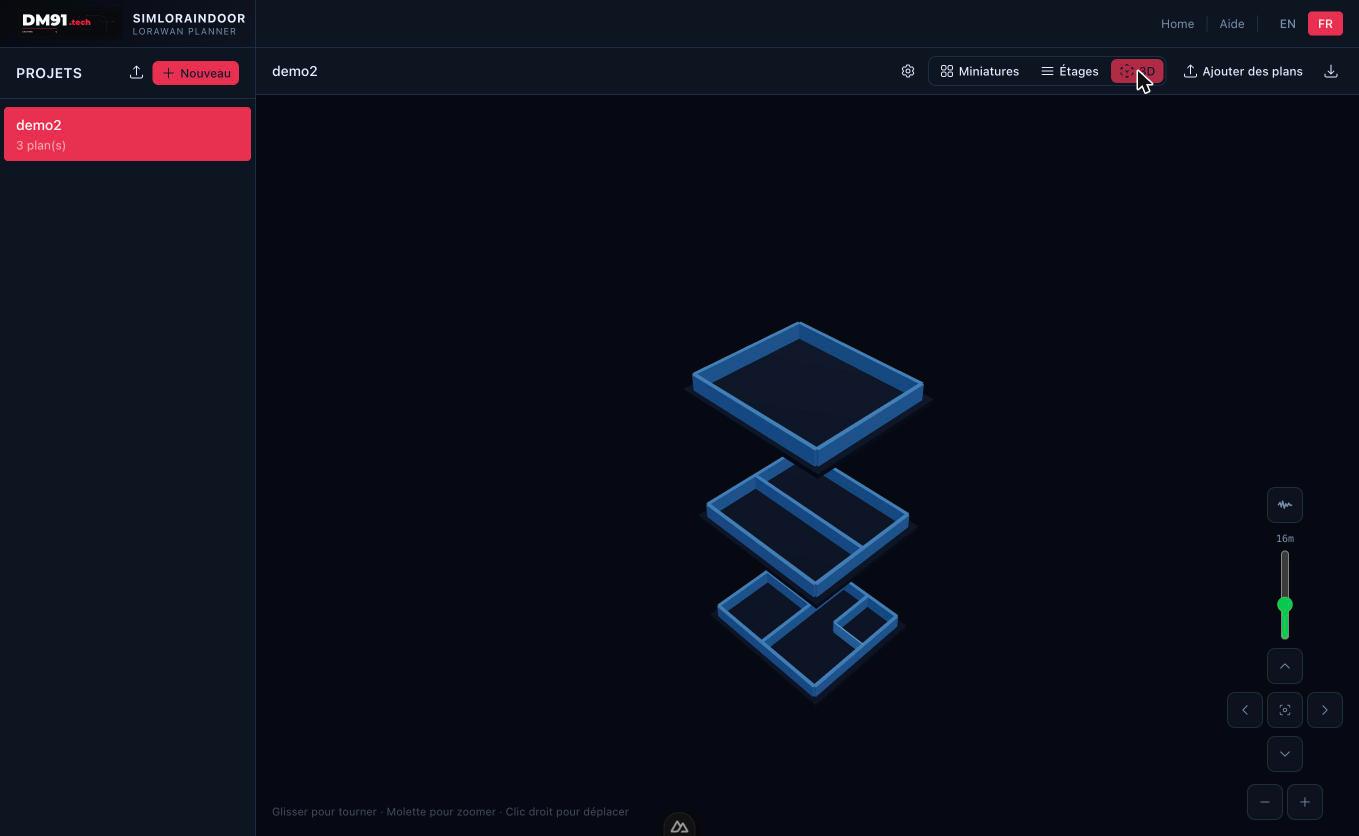
- Combine gateways from multiple floors for true 3D coverage simulation.
The application runs entirely locally — no account or internet connection is required.
Getting started
Open a browser and go to the address where the application is deployed (default: http://localhost:3000). Click Start on the home page to open the application.